
Computers, IT & The Internet

Vitally important for business and home life, information technology covers everything from your internet connection or email servers through to your PC or laptop operating systems. Any one for networks; software, hosting, SEO?
Information technology is a real headache for many businesses whether you are a small SEM or a mid sized growing company. Do you pay for IT support or learn yourself to keep costs down? Know all the latest changes and advances in IT and networking? Our guides and articles provide information that can help you understand how to get exactly what you want from your technology, and even whether it's worth a 'pay as you go' set up to support an existing IT department.
So whether it's a one off or it's a 24 hour, 7 days a week 365 days a year IT security with updates, backups and application maintenance, check out our informative guides to help you get the support and advice you need.
















Filtering Spam E Mails
What Is A Computer Virus?

What Is Search Engine Optimisation?
The Benefits Of Dedicated Hosting


Protect Your Computer From Viruses
Finding IT Support
Data Recovery Explained
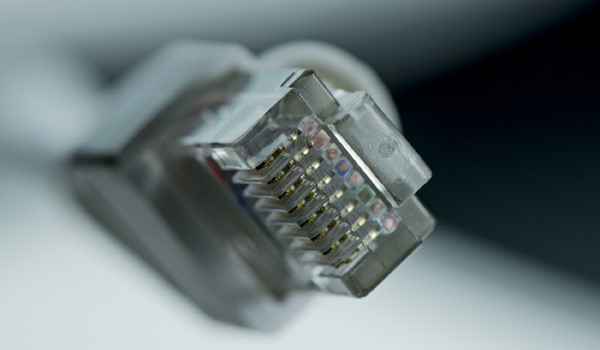
Dial Up Internet Vs ADSL Broadband

CRM Software Benefits Business
Saving Deleted Computer Files
Useful Websites
- Amadeus Rail
Multi-channel ticket sales software for rail passenger companies including inventory, scheduling and administration reports. - Advantage Business Systems
Managed IT Services, Consultancy Services, Financial Services and other Small Business Assistance - Ventura
Ventura are one of the largest customer management service providers in the UK. Services offered include Business Onshore Outsourcing, Offshore Outsourcing, Multishoring and Insourcing. - Crystal Reports 4U
Find out more about Crystal Reports Writing with our dedicated site. With Crystal Report Training for SQL and Report Server check out our website. - Document Logic
Authorised Xerox Concession offering photocopiers, printers, fax machines, scanners, multifunctional systems, consumables and paper supplies. - Our IT Department
Computer maintenance, IT outsourcing, network support & consultancy to London small & medium business. Our help with your office move, helpdesk, server management and IT security can keep you running. - Add Your Website Here